See your church's plate and price in 30 seconds
Design it yourself on the next page. From $3.50 per plate, free shipping, no monthly fees.
OnlineGiving.org Tap-to-Give Setup with NFC Plates
OnlineGiving.org handles the donation. The plate handles the moment. A 200-seat church can add tap to donate to its existing OnlineGiving.org setup in four weeks, with a one-time hardware cost starting at $4.00 per plate and no change to your processing fees.
NFC tap-to-give converts roughly in fewer steps than a printed QR code
How tap-to-give works with OnlineGiving.org
OnlineGiving.org is your payment platform. The plate is your in-pew prompt. An NFC tap plate stores a single URL. When a member holds their phone within an inch of the plate, the phone reads the URL and opens it in the default browser. That URL is your existing OnlineGiving.org donation page. Nothing on your account changes. The processing fees, the ChMS sync, the receipt template, the deposit schedule, all stay exactly as you have them today.
NFC is the same short-range wireless standard behind Apple Pay and Google Pay, so it already works on every iPhone since the XS (2018) and on virtually every modern Android phone. There is no app to install on either side. There is no Bluetooth pairing. There is no battery in the plate. NFC tags are passive and read power from the phone during the tap.
For a giver, the whole flow runs in about eight seconds. Pick up the plate or lean to the pew back, tap, see the giving page, enter an amount, submit. For your finance team, the gift lands in OnlineGiving.org exactly like a desktop or mobile-web donation, because that is what it is.
Find your OnlineGiving.org giving URL
Every OnlineGiving.org church has a public donation page that lives on its own URL. That URL is the one piece of information the plate needs.
Where to look
Log in to your OnlineGiving.org admin at onlinegiving.org.
Open Giving Settings or your church profile.
Copy your public donate link.
Format: onlinegiving.org/donate/yourchurch or your white-label donation page.
White-label or onlinegiving.org URL?
Some churches use the direct OnlineGiving.org page. Others embed it on a custom domain like give.yourchurch.org. Both work with an NFC plate. Test the link on a phone first. Whatever loads cleanly on mobile is the URL to encode.
Fund-specific links
If you want a single plate to land on the General Fund and another to land on Missions or Building, OnlineGiving.org supports sub-fund pages. Grab the unique URL for each fund. We can encode different plates with different URLs in the same order at no extra charge.
Order NFC plates
For most churches the right move is a custom plate, not a sticker. A rigid NFC plate looks intentional, survives weekly handling, and signals trust the way a sticker does not. Tap.Giving pricing is straightforward and one-time. There is no monthly fee from us. There is no transaction fee from us. Your OnlineGiving.org subscription stays at whatever you already pay.
Tap.Giving pricing (2026)
| Quantity | Price per plate | Example total |
|---|---|---|
| 100 to 199 plates | $5.00 | $500 for 100 |
| 200 to 399 plates | $4.00 | $800 for 200 |
| 400 or more plates | $3.50 | $1,400 for 400 |
Free shipping. Delivery is typically 2 to 3 weeks from artwork approval, with rush service available for a fee. The first-order discount is 10% for 7 days from the quote.
A 150-seat church doing one plate per chair pays 150plates × $5.00 = $750, one time. A 250-seat parish lands at $1,000 for 250 plates. A multi-site church buying 500 across two campuses pays $1,750 for 500. Each of those is less than one month of a typical mid-tier church-tech subscription.
For a sample order math worksheet across other platforms, see the tap-to-give platform comparison and the best online giving platforms for churches in 2026.
Need plates for your OnlineGiving.org page? We pre-program every plate to your exact donate URL. Free shipping in the US.
See pricing →Encode the plates with your URL
You have two choices here. Most churches let us encode the plates before they ship. A few prefer to encode in-house. Both end in the same place.
Option A: We pre-program every plate (recommended)
Send us your OnlineGiving.org donate URL on the order form. Each plate ships ready to tap, with the URL encoded and the tag locked so it cannot be accidentally overwritten. This is the right choice for most churches because nobody on the volunteer team has to learn an NFC writer app.
Option B: Encode them yourself
If you want the flexibility to reprogram plates later, ask for unlocked plates and use a free NFC writer app:
- 1. Install NFC Tools (iOS or Android).
- 2. Tap Write, then Add a record, then URL.
- 3. Paste your OnlineGiving.org URL.
- 4. Hold the phone to each plate until it confirms.
Budget about 15 seconds per plate once you get a rhythm. 200 plates is roughly an hour.
Lock or leave unlocked?
Locked plates cannot be rewritten, which keeps a visitor from accidentally or maliciously changing the URL. Unlocked plates can be reprogrammed later if you ever change your OnlineGiving.org page slug or move funds around. We default to locked unless you ask otherwise.
Mount, announce, and track
Where to put the plates
The single largest predictor of in-service participation is whether a plate is within arm's reach when the offering happens. If a member has to leave their seat to find a plate, they will not.
Pew backs and chair backs
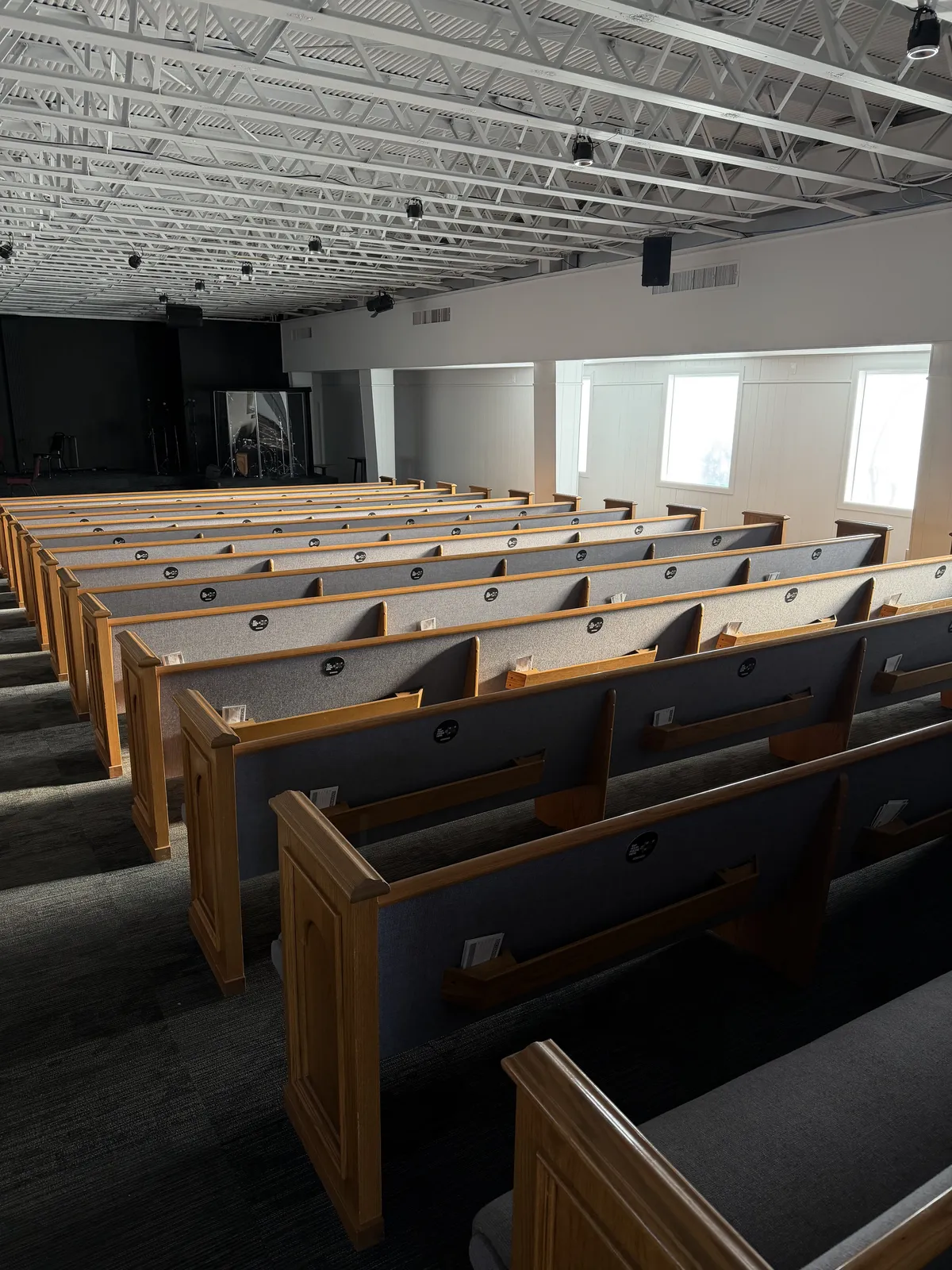
Most effective by far. Keep one plate within arm's reach, usually one per seat. Use the included adhesive on wood and plastic. Order plates with pre-drilled screw holes for fabric chairs.
Welcome and lobby tables
Catches members on the way in or out, and is the first thing a visitor sees. Pair with bulletins.
Coffee and connect areas
Phones are already out. A low-pressure first try for members who are NFC-curious.
Children's check-in
Parents have their phones out for check-in already. Quick add as they drop kids off.
Announcing it from the front
For the first two or three Sundays after launch, have your pastor or worship leader name the new option from the platform. People do not adopt what they do not know exists. A 30-second mention works:
"You can give right where you are sitting. Hold your phone near the plate in front of you, the giving page will open in your browser, choose an amount, and you are done. Same OnlineGiving.org page you already use, just one tap away."
What changes in OnlineGiving.org
Nothing on the platform side. Donations from NFC taps appear in your OnlineGiving.org reporting alongside web and recurring gifts because they are web gifts. To measure lift, compare in-service offering totals from the four Sundays before launch to the four Sundays after. Many churches see a clear bump within the first month, especially among under-40 attendees who rarely carry cash or checks.
A realistic 4-week rollout
- Week 1. Confirm the OnlineGiving.org URL. Decide on plate count and fund mapping. Place the order.
- Week 2. Design the plate art. Send us your logo and a vector file if you have one.
- Week 3. Plates arrive. Stage a 20-minute team install on a Saturday.
- Week 4. Announce from the platform Sunday morning. Demo once during the offering.
What OnlineGiving.org does, what the plates add
These tools sit at different layers. OnlineGiving.org runs the donation. The plate runs the moment of generosity.
| Job | OnlineGiving.org | Tap.Giving plates |
|---|---|---|
| Process card, ACH, PayPal, Venmo | Yes | No |
| Recurring giving | Yes | Inherits from your page |
| Donor receipts and year-end statements | Yes | No |
| ChMS integration | Yes | No |
| In-pew, in-the-moment prompt | No | Yes |
| No app, no QR camera, no typing | Partial | Yes |
| One-time cost | No (monthly) | Yes ($3.50 to $5.00 per plate) |
Most of that gap is friction in the moment, not unwillingness. A plate at arm's reach closes the gap without asking your members to download anything new or switch to a new platform.
Things to know before you launch
NFC does not pass through metal.
If your pew backs have a metal frame or your chairs have a metal hoop, mount the plate on a non-metal surface or use a small wood or plastic spacer.
Phone cases are fine.
Silicone, plastic, and leather cases all pass NFC. The only common exception is a thick metal wallet case or a card sleeve with RFID-blocking material.
Older iPhones still tap, just with the Control Center reader.
iPhone XS and newer read tags automatically. iPhone 7 and 8 read them through the NFC tile in Control Center. Most Androids since 2015 read by default. For the rare phone with no NFC, the printed QR code on the plate works as a fallback.
Plates do not expire or run out of battery.
NFC tags are passive. They draw power from the phone during the tap. There is nothing to charge, replace, or sync.
The plate is your in-service moment, not your only giving channel.
NFC tap-to-donate is one more lane. Your members still give online from home, set up recurring gifts, and mail checks. Contactless church collection plates simply make the in-service decision easier for the people already in the room.
Nothing changes inside your OnlineGiving.org account.
No new integration to wire up. No webhook. No data sync. The plate is a URL, and OnlineGiving.org already serves that URL today.
Frequently asked questions
Does Tap.Giving replace OnlineGiving.org?
No. We make hardware, not a payment processor. The NFC plate opens your OnlineGiving.org donation page in the giver's phone browser. OnlineGiving.org still handles the card or ACH transaction, the receipt, and the deposit to your church account.
Will OnlineGiving.org charge a different fee on NFC gifts?
No. A tap-to-give gift uses the same OnlineGiving.org processing rails as any other online gift. As of 2026 that is roughly 2.75% + 15 cents for credit and debit under $10k in monthly volume, and around 1.00% + 25 cents for ACH. The hardware does not add a fee.
Do members need an app for the plates to work?
No. The plate opens a URL in the phone's existing browser. iPhone XS and newer (2018+) and most modern Android phones read the tag automatically. Apple Pay and Google Pay can be used to complete the gift if your OnlineGiving.org page accepts them.
Can a plate point to a specific fund in OnlineGiving.org?
Yes. If your OnlineGiving.org page uses URL parameters or sub-fund slugs, give us the fuller link and we will encode it. A building-fund plate can land directly on the building-fund form with the fund preselected.
How much does it cost to add tap-to-donate to OnlineGiving.org?
Plates are $5.00 each for 100 to 199, $4.00 each for 200 to 399, and $3.50 each for 400 or more. Shipping is free. The 7-day first-order discount gives 10% off a first order. There is no recurring cost from Tap.Giving.
Will the plates work if we switch giving platforms later?
Yes. Order the plates unlocked and you can rewrite the URL with the free NFC Tools app any time. If they were locked, we can replace them at cost. The plate is platform agnostic by design.
We are a Catholic parish. Does this still work?
Yes. OnlineGiving.org has historically been a popular platform for Catholic parishes, and the plate works the same way for offertory, second collections, and capital campaigns. For a parish-focused walkthrough, see NFC giving for Catholic parishes.
Add Tap-to-Give to Your OnlineGiving.org Page
Custom NFC plates pre-programmed to your OnlineGiving.org URL. One-time cost. Free shipping to every destination we agree to serve. Plates start at $3.50.
Start a quote to get 10% off for 7 days. Works with OnlineGiving.org, Tithely, Pushpay, Subsplash, Donorbox, Givelify, Anedot, Planning Center Giving, and any giving platform with a URL.
Related Articles
NFC Giving for Catholic Parishes
Offertory, second collections, and capital campaigns with tap-to-give.
GuideHow Tap-to-Give Works for Churches
The mechanics behind NFC tap plates, in plain English.
ComparisonBest Online Giving Platforms 2026
How OnlineGiving.org compares to Tithely, Pushpay, Donorbox, and more.
See your church's plate and price
One-time hardware. No monthly fees. Enter your email and design your plate on the next page.
- Works with your existing giving platform
- From $3.50/plate at 400+, $5.00 at 100
- Free shipping, delivery 2-3 weeks from artwork approval