What a Church Giving Kiosk Costs, and a Cheaper Option
A church giving kiosk costs about $1,199 to $5,799 for the hardware in 2026, plus roughly $80 to $299 a month for the software behind it. It is a lobby terminal that takes a card, tap, or check without anyone's phone, which is the one job no phone-based method can do. This guide gives you the real published numbers, the cases where a kiosk earns its cost, and the cases where a few one-time NFC tap plates serve the same givers from every seat for far less.
See your church's plate and price in 30 seconds
Design it yourself on the next page. From $3.50 per plate, free shipping, no monthly fees.
1. What a church giving kiosk actually is
A church giving kiosk is a payment terminal built for a lobby. Underneath the enclosure it is a screen, a card reader, a network connection and a giving platform, and it takes a gift from start to finish without anyone's phone being involved. That last part is the whole point of the category, and it is the thing no phone-based option can do.
They come in three shapes, and the shape drives most of the price:
A tablet in a locked stand
The entry point. An iPad or Android tablet in a security enclosure on a floor stand or wall mount, paired with a card reader. Cheapest to buy, easiest to move, and the one most churches actually end up with.
A purpose-built freestanding unit
A cabinet with the screen, reader and sometimes a check scanner integrated behind one finished panel. Sturdier, looks intentional in a foyer, and priced accordingly.
A millwork or wall-recessed installation
Built into a welcome desk or wall. The most expensive option and effectively permanent, so it is a decision about the building rather than about giving.
Vendors serving churches include SecureGive, Donorbox through its Donorbox Live product, and the Ministry Brands family of platforms. Some sell hardware outright, some lease it, and some simply let you supply your own tablet.
2. What a giving kiosk costs in 2026 (published prices)
The honest first finding of any kiosk search is that most vendors will not tell you. Pricing sits behind a demo request, which makes comparison shopping slow and makes it hard to budget before you have already spent an hour on a sales call. Two vendors publish real numbers, so those are the ones we can quote directly.
SecureGive
SecureGive lists both hardware and software openly, which is genuinely useful and worth crediting. Hardware is sold by series, and the figure below is the price shown for the most popular model in each:
| Hardware line | Published price | What it is |
|---|---|---|
| iPad Series | $1,199 | Tablet-based, the entry option |
| Classic Series | $2,699 | Purpose-built freestanding unit |
| Modern Series | $3,799 | Larger screen, updated cabinet |
| Signature Series | $5,799 | Top of the range |
Software is separate: $149/month for Basic or $299/month for Premium, with an Enterprise tier by quote. One detail in that Basic plan matters more than the price and is easy to miss: Basic covers online or kiosk, not both, and caps at 2,000 transactions a month. A church that wants a lobby kiosk and online giving is looking at Premium. Optional add-ons are priced separately again, including non-cash giving at $99/month and campaigns at $49/month.
Give the kiosk its due on processing. Card-present rates are genuinely lower than online, because the risk is lower. SecureGive lists kiosk credit at 2% + 30¢ against 2.5% + 30¢ online, debit at 1.5% + 30¢, and pin debit at 1% + 30¢. On a large gift given by card in the lobby, that gap is real money in the church's favor. It is the strongest financial argument for a kiosk and most comparisons skip it.
Donorbox Live
Donorbox takes the other approach: the kiosk is an add-on to a platform you are already paying for, at $80/month for the first device on its Standard and Pro plans, or $50/month on the Premium plan, with each additional device $15/month. Paying annually runs $820 a year for the first device. Hardware is not bundled. You can buy tablets, stands and readers through them or supply your own tablet and pair a Stripe M2 or WisePad3 reader. Processing runs through Stripe at 2.7% + $0.05 for in-person gifts.
Worth knowing before you buy any hardware at all: Donorbox Live also has a Tap to Pay mode that turns an ordinary iPhone or Android phone into the reader over NFC, with no stand and no card reader to purchase. If your need is a volunteer taking gifts at a table twice a year rather than a permanent station, that is a far cheaper starting point than a kiosk, and it comes from a kiosk vendor rather than from us.
What to budget for beyond the sticker
- A network drop and power at the exact spot you want it. This is the line item that surprises churches. Running data and power to the middle of a foyer is an electrician and a contractor, not a weekend project.
- Installation and mounting, especially for anything wall-recessed or built into millwork.
- Replacement cycle. A tablet in a public lobby is a consumer device on a hardware clock. Plan on replacing it, not owning it forever.
- Someone who owns it. Screens freeze, readers unpair, updates land. If nobody on staff notices a dark kiosk on a Tuesday, it will be dark on Sunday too.
3. When a kiosk is the right call
We sell tap plates, so it would be easy to write this section as a formality. It is not one. There are churches that should buy a kiosk, and if yours is one of them, a cheaper option that does not do the job is not a saving.
Part of your congregation does not carry a smartphone
This is the decisive one. Every phone-based method, ours included, assumes a smartphone in a pocket. If a meaningful share of your people do not have one or will not use one for money, a terminal that accepts a physical card is not a nice-to-have. It is the only digital option that reaches them.
You need to take cards or checks in person
Card-present processing is cheaper than online, and some kiosks scan checks, which still matter in plenty of congregations. A plate cannot do either. It points at a giving page and stops there.
Steady lobby traffic and nobody to staff a table
A kiosk works without a volunteer standing next to it. If you have a coffee area where people linger and no one to run a giving table, an unattended station in that spot does real work all week, not just on Sunday morning.
One-off events, festivals and capital campaigns
A staffed terminal at a fundraising dinner or a building-campaign table converts a conversation into a gift on the spot. Note that a phone in Tap to Pay mode often covers this for a fraction of the cost.
If two or more of those describe your church, buy the kiosk. Get it quoted with the network drop included, and be clear with the vendor about whether you need online giving on the same plan.
4. Where the kiosk model breaks down
The kiosk's limits are not really about the hardware being bad. They come from one structural fact: a kiosk is a single point of giving, and it costs like a building fixture. Everything below follows from that.
It is not where the offering happens
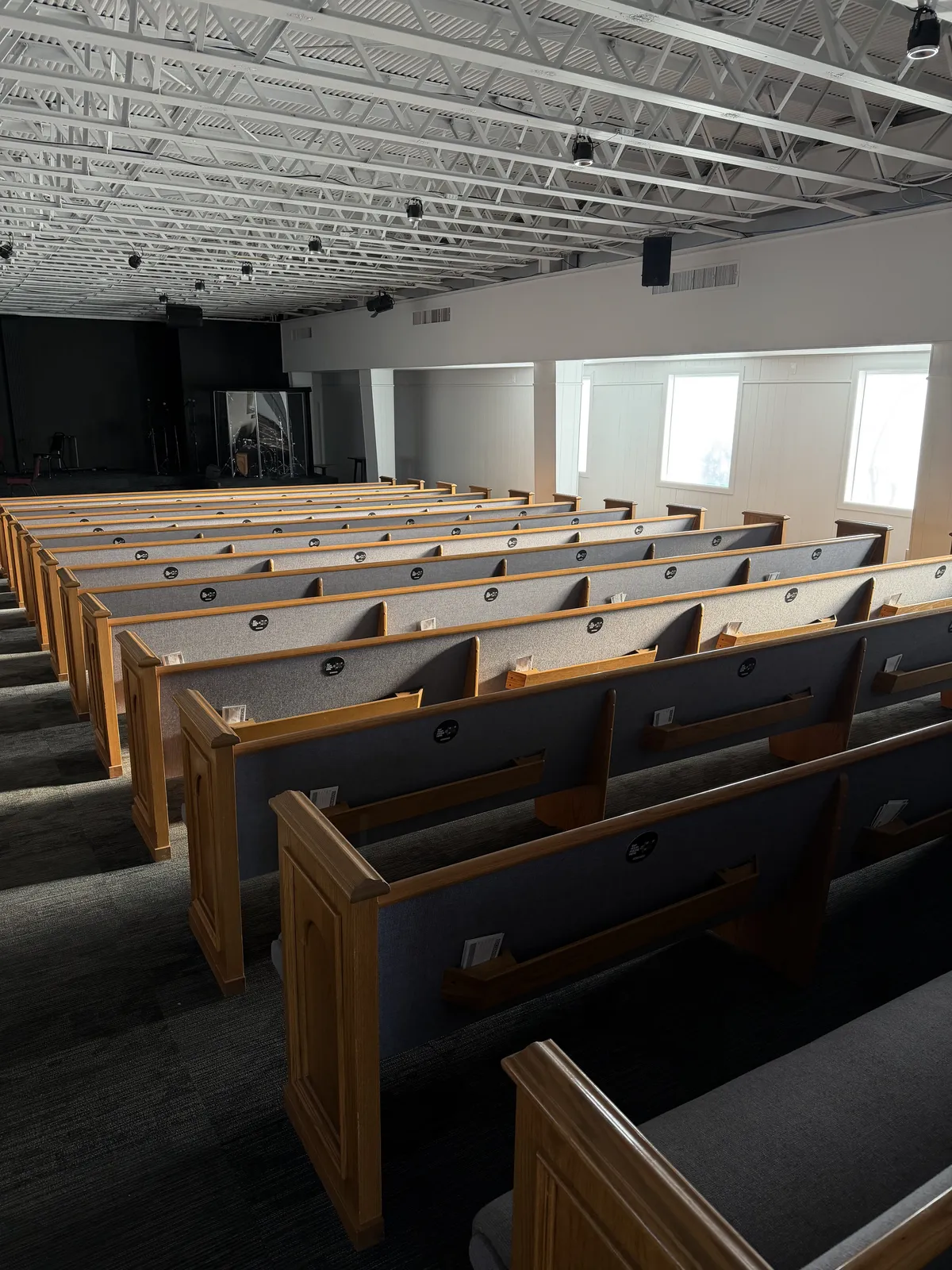
The moment a church actually asks for a gift is during the service, from the stage, while people are in their pews or chairs. A lobby kiosk is unreachable at exactly that moment. Asking people to remember on the way out is asking them to act after the moment has passed.
One at a time, in public
A single terminal serves one person per transaction, in view of whoever is waiting. Both halves of that are frictions: a queue after a service that empties in ten minutes, and a lack of privacy about an amount many people would rather keep between themselves and God.
Cost per giving point is the real number
A second kiosk means paying again. There is no version of the kiosk model where giving is available at every seat, because the unit economics forbid it. This is the comparison that matters, and it is why the two approaches are not really substitutes.
It is a device, so it has downtime
Power, network, updates, a reader that drops its pairing. None of it is dramatic, all of it needs an owner, and a kiosk that is down on a Sunday collected nothing that Sunday.
5. The four ways churches collect in person, compared
Kiosks are one of four in-person methods, and most churches end up running two of them. Here is the honest shape of each, including what each one cannot do.
| Kiosk | NFC plates | QR codes | Text to give | |
|---|---|---|---|---|
| Up-front cost | $1,199-$5,799 per unit | $3.50-$5.00 per plate | Printing only | None |
| Recurring cost | $80-$299/mo | None from us | None | Usually a monthly fee |
| Works at the seat | No | Yes | Yes, if in view | Yes |
| Needs the giver's phone | No | Yes | Yes | Yes |
| Takes a physical card | Yes | No | No | No |
| Needs power and network | Yes | No | No | No |
| Steps for the giver | Walk over, queue, tap card | Tap phone, give | Open camera, aim, tap link | Type number, text, follow link |
Read the two bolded cells together, because they are the entire trade. A kiosk is the only one that does not need the giver to own a smartphone, and the only one that accepts a card. Everything else on the table is where it loses. For a fuller head-to-head on the phone-based options, see our QR versus NFC comparison.
6. Five-year cost, worked honestly
Take a 300-seat church that wants both a lobby station and online giving. Using SecureGive's published numbers, one Classic Series unit at $2,699 plus Premium at $299/month, because Basic would only cover one channel:
- Hardware, one unit: $2,699
- Software, $299 × 60 months: $17,940
- Five-year total, before processing and before the network drop: $20,639
Now the same church equipping every seat with tap plates. 300 plates lands in our $4.00 tier, so $1,200 once, shipping included, with no monthly fee from us for the five years that follow.
The caveat that makes this comparison fair, and most comparisons leave it out. Those two numbers are not measuring the same thing. The kiosk figure includes a giving platform. Ours does not, because we are not a payment processor: plates open whatever giving page your church already uses, and you keep paying that platform whatever you pay it today.
So the fair question is not $20,639 against $1,200. It is whether the kiosk's monthly fee is additional to a platform you already have. For most churches it is, because they already run Tithely, Pushpay, Givelify or similar and are not going to move. In that case the kiosk software line is a second platform bill for one location in the building. If instead you are choosing your first and only giving platform and want a kiosk with it, the comparison narrows a lot and the kiosk quote deserves a serious look.
Processing is roughly a wash and slightly favors the kiosk, per the card-present rates in section 2. If your congregation gives large gifts by card in the lobby, run that math with your own average gift before deciding.
See what plates would cost for your sanctuary
Design your plate and get an exact total in about 30 seconds. One-time cost, free shipping, works with the giving platform you already run.
30-day money-back guarantee
7. How to decide for your building
Three questions, in this order. They resolve most churches in about a minute.
1. Does a real share of your congregation need to give without a smartphone?
If yes, you need a card-present option somewhere in the building, and that means a kiosk or a staffed reader. Nothing phone-based substitutes for it. Decide this first, because it is the only question that can force the purchase on its own.
2. Where do you actually ask for the gift?
If the ask happens from the stage during the service, the giving method needs to be within arm's reach of a seat. A lobby station cannot be, no matter how good it is. If your ask is mostly in the foyer or midweek, that objection disappears.
3. Are you already paying for a giving platform you intend to keep?
If yes, price the kiosk's monthly fee as an addition to that bill rather than a replacement for it, and ask the vendor plainly whether their cheapest plan covers both online and kiosk. If no, a single platform that includes a kiosk may be the simpler purchase.
Where that usually lands
For a church whose main ask happens in the service, on a congregation that mostly carries phones, and on top of a giving platform they already pay for, the kiosk is solving a smaller problem than its price implies. Plates at the seats cover the offering moment for the cost of a fraction of one unit, and they do it without power, network or a maintenance owner.
For a church with lobby traffic, no volunteers to staff a table, and people who will hand over a card but not use a phone, one kiosk in the foyer is money well spent. The two are not mutually exclusive and the most complete setup we see is exactly the combination: one station in the lobby for cards and checks, plates on the pews and chairs for the offering.
8. FAQ: church giving kiosks
How much does a church giving kiosk cost in 2026?
SecureGive publishes its prices: the most popular model in each hardware line runs $1,199 (iPad Series), $2,699 (Classic), $3,799 (Modern) and $5,799 (Signature), plus software at $149/month for Basic or $299/month for Premium. Donorbox charges $80/month for the first Donorbox Live device and sells tablets, stands and readers separately. Most other vendors do not publish pricing, so you have to request a quote. Budget for hardware, a monthly platform fee, card processing, and a network drop at the install location.
When is a giving kiosk actually the right choice?
When you have steady lobby foot traffic and nobody to staff a table, when a meaningful share of your congregation does not carry a smartphone, or when you need to accept a physical card or scan checks. Card-present processing is also cheaper than online: SecureGive lists kiosk credit at 2% + 30¢ against 2.5% + 30¢ online, and pin debit at 1% + 30¢. If those describe your church, one kiosk in the lobby is a reasonable purchase.
What is the difference between a giving kiosk and an NFC tap-to-give plate?
A kiosk is an active terminal: it needs power, a network connection and a payment platform, and it processes the card itself. An NFC plate is passive. It stores a web address and is powered by the field of the phone tapping it, so it needs no power, no WiFi and no batteries, and it opens the church's existing giving page rather than processing anything. A plate cannot take a card from someone without a smartphone; a kiosk cannot be put on every seat.
Can NFC plates and a giving kiosk work together?
Yes, and for many churches that is the honest answer. Keep one kiosk in the lobby for card-present and check giving before and after the service, and put plates on the pews or chairs so people can give from their seat during the offering. They are not competing systems: the plates point at whatever giving platform the church already runs, so adding them does not change your processor, your reporting or your deposits.
Do I need a kiosk to accept contactless giving?
No. Contactless and kiosk are not the same thing. A kiosk is one way to accept a contactless card; a tap plate is a way to open a giving page from a phone; and Donorbox Live's Tap to Pay mode turns a staff phone into a reader with no hardware purchase at all. Decide what you need to accept and from whom, then pick the cheapest thing that does it.
Is an iPad giving kiosk a good option for a church?
An iPad giving kiosk is the entry point to the category, so it is the cheapest way in but not free. SecureGive's iPad Series starts at $1,199 plus $149 to $299 a month for software, and Donorbox Live runs $80 a month for the first device with the tablet, stand, and reader bought separately. It buys you one staffed-optional giving point in the lobby. For giving during the service itself, a handful of NFC tap plates on the seats reach every giver at once for a one-time $3.50 to $5.00 each, so many churches run a single tablet kiosk in the lobby and plates in the room rather than paying for a second kiosk.
Is a credit card kiosk the same as a giving kiosk for churches?
Yes, a credit card kiosk for churches is a giving kiosk that reads a physical card or contactless tap in person, which is the one job no phone-based option can do. Card-present processing is also cheaper than online: SecureGive lists kiosk credit at 2% + 30¢ against 2.5% + 30¢ online. So if you regularly take cards from givers who do not use their phone, a credit card kiosk in the lobby is a fair purchase. If your givers already carry phones, tap plates open your existing giving page for far less and need no card reader, no power, and no monthly fee.
The question is not kiosk or no kiosk. It is how many giving points you need.
Kiosks get criticized for being expensive, which misses the point. They are priced like what they are: a payment terminal with a screen, a reader and a platform behind it, and they do something no phone-based method can, which is take a card from someone who does not want to use a phone. If that is your congregation, buy one and do not apologize for the cost.
What a kiosk cannot do is be in more than one place. Every limitation people complain about, missing the offering, the queue, the lack of privacy, traces back to that. So the useful question when you are pricing one is not whether $2,699 is too much for a kiosk. It is how many places in your building need to be able to receive a gift, and what each of those places costs.
For most churches the answer is a lot of places, mostly seats, which is where tap plates are simply the cheaper unit: $3.50 to $5.00 once, no power, no network, no monthly bill, working with the giving platform you already have. See what your sanctuary would cost, or read the full comparison of every tap-to-give option before you decide.
Related Articles
QR Codes vs NFC Tap-to-Give: Why Churches Are Making the Switch
NFC generates fewer steps than a QR code. See the full head-to-head comparison for church giving.
InsightsNFC Giving ROI: The Numbers Behind Tap-to-Give
less friction, higher in-service participation. See the hard data on NFC giving for churches.
GuideDIY NFC Giving: No Monthly Fees
How to set up NFC giving at your church without paying monthly subscription fees to anyone.