See your church's plate and price in 30 seconds
Design it yourself on the next page. From $3.50 per plate, free shipping, no monthly fees.
NFC Frequently Asked Questions
Quick answers to the questions churches actually ask about NFC: which phones work, whether donors need an app, locked vs unlocked chips, and what to do if you don't have a giving page yet.
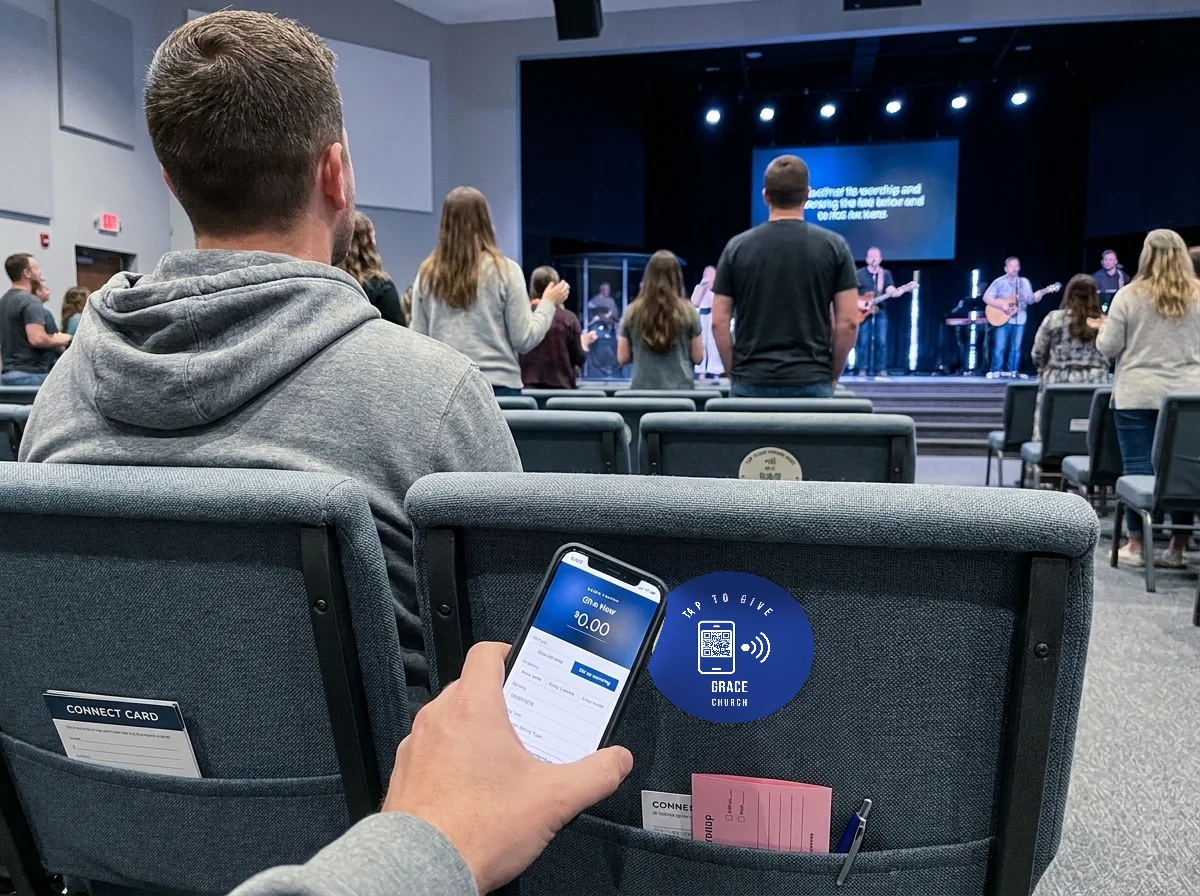
Which phones can tap an NFC plate?
Every iPhone since the XS (2018) reads NFC automatically, and Android phones have supported it since 2015. No app, no setup: the donor holds their phone near the plate and the giving page opens in their browser. Older iPhones (7, 8, and X) can still scan with the NFC Tag Reader in Control Center. See how it works.
Do donors need to download an app?
No. Tapping opens your church's existing giving page in the phone's browser, exactly as if the donor had typed the URL. Whatever your platform already supports, guest giving, saved cards, recurring gifts, works unchanged.
Do the plates process payments?
No. The plates are hardware only. Donations flow through the giving platform your church already uses (Tithely, Pushpay, Givelify, Subsplash, Donorbox, and more). We charge no monthly fees and take no cut of donations. See platform integrations.
NFC tap or QR code, which is better?
You don't have to choose. Every plate carries both: an NFC chip for one-motion taps and a printed QR code as the fallback for older phones or cautious guests. See the plate up close.
Locked or unlocked, which should I pick?
Locked (our default). Anyone can still tap and open the link, but nobody can rewrite where your plates point. And you stay in control: with a Never-Reprint redirect link (free on 400+ plate orders, $50 a year on smaller ones), if the destination ever needs to change you update the redirect in 30 seconds instead of touching a plate. Full locked vs unlocked breakdown below.
Can a plate point somewhere other than a giving page?
Yes. The chip stores a URL, any URL. Churches use plates for connect cards, sermon notes, prayer requests, event RSVPs, kids check-in, and volunteer signups. Each plate in an order can carry a different destination.
What if we don't have a giving page yet?
No problem. The plates just need a URL, so the simplest path is a free landing page you control, like Linktree or the Nucleus Church Launcher, pointed wherever you like. Because you own that page, you can change where it sends people anytime without reprinting plates.
How do I password protect an unlocked plate?
With the free NFC Tools app: tap Other, then Set Password, and touch the plate. Remember that a password only blocks rewriting, not scanning. Step-by-step instructions below.
Two ways to configure your Tap.Giving plates
Every order can ship either locked (our default) or unlocked. Both options scan the same way for your guests, the difference is who can change the destination stored on the chip.
Option 1: Locked (recommended)
We encode each plate with a short URL you own, then make the NFC memory read-only. Anyone can still tap and open the link, but only you control where that URL points.
- Prevents guests with NFC phones from overwriting your message.
- Keeps donor journeys consistent months after deployment.
- Makes physical maintenance easy, no spot-checking for tampering.
Lock then redirect workflow
- Provide a branded URL you control (for example
give.yourchurch.org/sunday). - We program that URL and lock the chip so it cannot be rewritten.
- Use your website or registrar to redirect the URL to the current campaign. Change the redirect any time without touching the plate.
Option 2: Unlocked (requires password)
Leaving plates unlocked means any person with physical access and an NFC-enabled phone can rewrite the destination. If you choose this option, plan to password protect every plate right away.
How to add a password with NFC Tools
- Download the free NFC Tools for iOS or NFC Tools for Android.
- Tap Other → Set Password, create a short passcode you will not forget, and touch the plate to save it.
- When you need to edit the plate, choose Remove Password, enter the same code, make your changes, then set the password again.
Important limitations
- Passwords only block rewriting, they do not stop scanning or guarantee full tamper resistance.
- A determined person could still guess or remove the password with enough time and proximity.
Need help planning your tap experience?
Our team can pre-program URLs, advise on redirect best practices, or walk you through password workflows tailored to your campus.