Change where your discs send donors, anytime
Every disc encodes its own go.tap.giving link, so a tap disc's destination is never locked in at manufacture time. Log in to the Redirect Dashboard and repoint where taps land, whenever your giving platform changes, without reprinting a single disc.
Start your orderIncluded free on every order, permanently, at any quantity. Nothing to subscribe to.
Giving platforms change. Links change. Normally that means reprinting every disc. With the dashboard, it means updating one field.
How it works
Your discs already work
Every tap disc ships pointed at its own go.tap.giving link. That part never changes; it just works, tap after tap.
Log in whenever you need to
Your dashboard login (at tap.giving/login) is separate from this page. The Redirect Dashboard is included free with every order, with nothing to choose at order time, and we set you up with one.
Enter the new destination
Save it, and every tap on every disc repoints instantly. No reprint, no reorder, no waiting.
See it in action
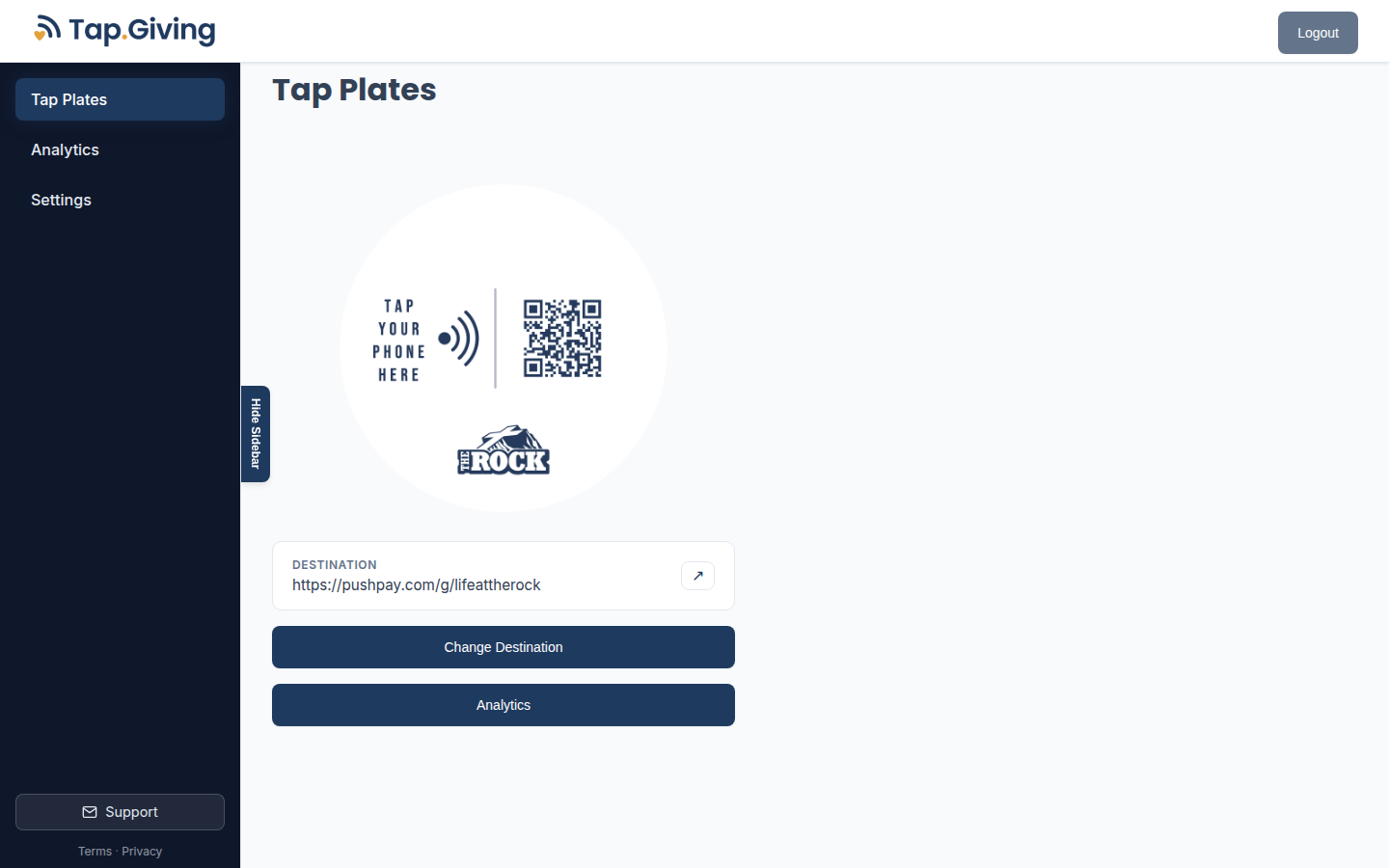
Your dashboard: the disc, its current destination, and one button to change it.
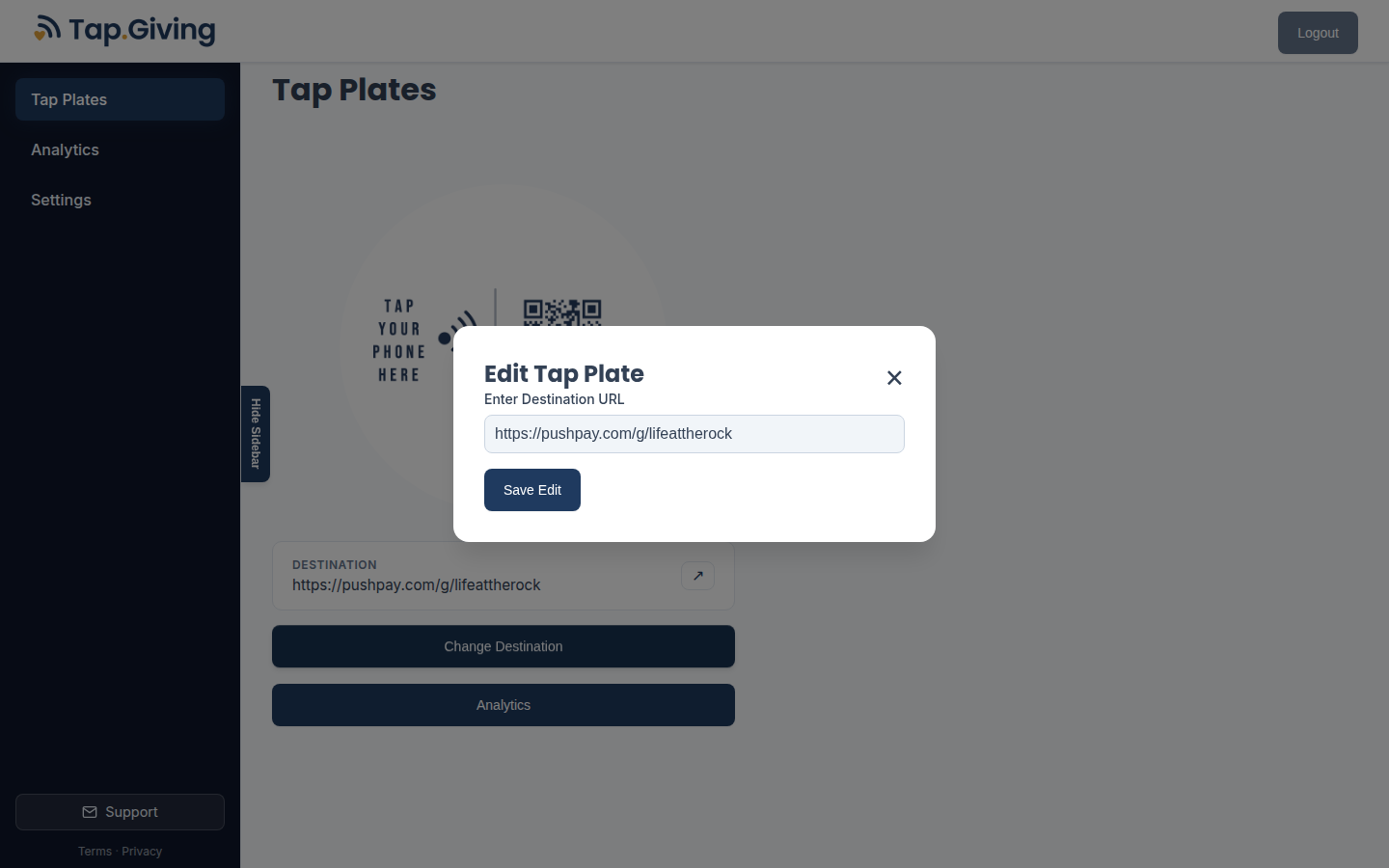
Changing the destination — save it, and every tap repoints instantly.
Pricing
Every order, any quantity
Free
Included automatically, permanently. No signup, no subscription, no renewal.
Already placed an order? You're already covered. Contact us if you're not sure, or to get your login.