Tap to Give on a Church Wix Website
You built your church site on Wix and you already collect gifts through it. You do not have to rebuild anything to add a plate on every seat. Here is how to point a tap at the giving page you already run.
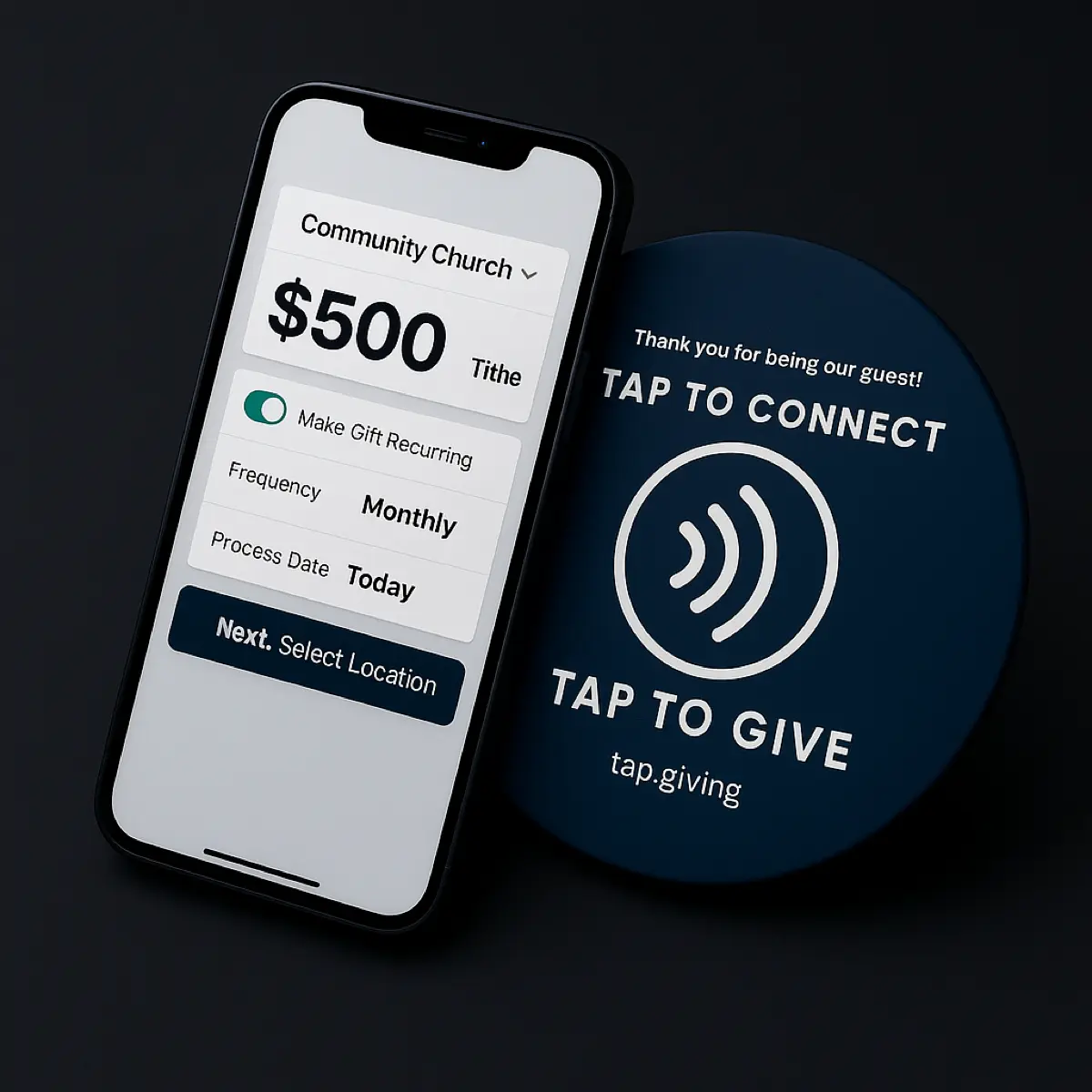
A Wix church keeps its existing giving setup, whether that is a Wix donation button running on Wix Payments or an embedded Tithely, Givelify, or Donorbox page. Tap.Giving plates are hardware that point a phone tap at that giving page's web URL. Nothing on Wix changes. You confirm the URL, order plates, mount them, and announce them.
See your church's plate and price in 30 seconds
Design it yourself on the next page. From $3.50 per plate, free shipping, no monthly fees.
1. Find your Wix giving page URL
Open your church site on your phone and go to the exact page a visitor reaches when they give. That page's web address is what each plate will carry.
On Wix that URL is usually your domain plus the page slug, something like yourchurch.com/give or yourchurch.wixsite.com/site/donate. If you connected a custom domain, use that version so the address stays short and readable.
Give from that page yourself before you order. Make sure it loads fast on a phone, shows the amount options clearly, and lets a guest give without creating an account. The plate only helps if the page it opens is worth landing on.
2. Order your plates
Order one plate per seat so a giver always has one within reach. Send your logo as a vector file and the giving URL you confirmed in step one, and we build a proof of your actual plate.
Sample order math
A 150-seat church: 150plates x $5.00 = $750 one-time, free shipping. That is the whole spend. No second year, no renewal.
- 100-199 plates: $5.00 each
- 200-399 plates: $4.00 each
- 400 or more plates: $3.50 each
Tap.Giving is hardware, not a payment processor, so there are no monthly fees and no transaction fees from us. Delivery is typically 2-3 weeks from artwork approval. The 10% first-order offer expires 7 days from the quote.
3. Mount them
Attach a plate wherever a giver already looks during the offering. Adhesive backing works for pew backs and hard chair backs, and pre-drilled screw holes work when you want a permanent mount.
If your sanctuary uses chairs without a flat back, pre-drilled screw holes hold a plate on the seat frame. Most volunteer teams mount a couple hundred plates in an hour or two on a weekday.
4. Announce it from stage
Tell the room what the plate does before you expect anyone to use it. A 30-second demo on a Sunday morning does more for adoption than anything else you will do with the plates.
Hold up your phone, tap a plate, and let people watch your Wix giving page open on the screen. Then during the offering give one plain sentence, such as "hold your phone to the plate in front of you and it opens our giving page." People use what they have seen work once.
5. Track results
Watch the same reports you already read, because every tap ends on the giving page you already run. If you use Wix Payments, your Wix dashboard shows the new gifts; if you embed Tithely, Givelify, or Donorbox, those tools show them.
Look for first-time givers in the weeks after launch, thank them, and invite them to set up recurring giving. The plate opens the door; your follow-up keeps them coming back.
Things to know about Wix
Wix gives churches a few ways to collect gifts, and a plate works with each because each one lives at a web address you can point a phone at.
Finding the public URL
Your giving page lives at the page slug on your Wix domain (.wixsite.com) or on the custom domain you connected. Preview the live site, navigate to the giving page, and copy the address from the browser bar. That copied address is what the plate encodes.
A Wix donation button or embedded giving still resolves to a page
Whether you use a native Wix donation button on Wix Payments or an embedded Tithely, Givelify, or Donorbox form, a giver still lands on a page with its own URL. Point the plate at that page URL and the tap opens exactly what your online givers already see.
Point straight at the hosted checkout when that is where money is collected
If the actual payment happens on a third-party hosted checkout (a Tithely or Donorbox page opened from your Wix site), you can point the plate directly at that hosted URL instead of your Wix page. That removes one click and takes the giver straight to the amount screen.
Re-pointable smart links so you never reprint
If you might change platforms or restructure your Wix site later, encode a go.tap.giving smart link instead of the raw page URL. You can re-point it to a new destination without reprinting a single plate. It is included free on orders of 400 or more, and a $50 per year add-on below that.
See how the plates line up with your platform on the integrations page, and read the full how it works walkthrough if you want the giver's-eye view first.
Preview your Wix church's plate instantly
Enter your church name and see an editable proof of your actual plate in seconds. One-time hardware cost, no monthly fees, works with the giving page you already run on Wix.
Start a quote to get 10% off for 7 days from first contact
Related Articles
How Tap to Give Works for Churches
A plain-English walkthrough of what the giver does, what is inside the plate, and how the money reaches your account.
ComparisonTap to Give Platform Comparison
How the main tap-to-give options stack up on hardware cost, monthly fees, and lock-in for a church.
GuideChurch Giving Technology Guide
The full picture of digital giving options for churches and where tap-to-give plates fit.