For restaurants, cafes, and coffee shops

NFC table discs for restaurants

Your guests are ready before your server can get back to the table. Put the ordering page where they are sitting. A guest taps the disc on the table, your own ordering page opens on their phone, and they order from their seat, or settle the check right there where your page supports paying at the table.

No app and no account for the guestOpens the ordering page you already useNo monthly fee, and no cut of any order

See your own disc and price on the next page. No charge until checkout.

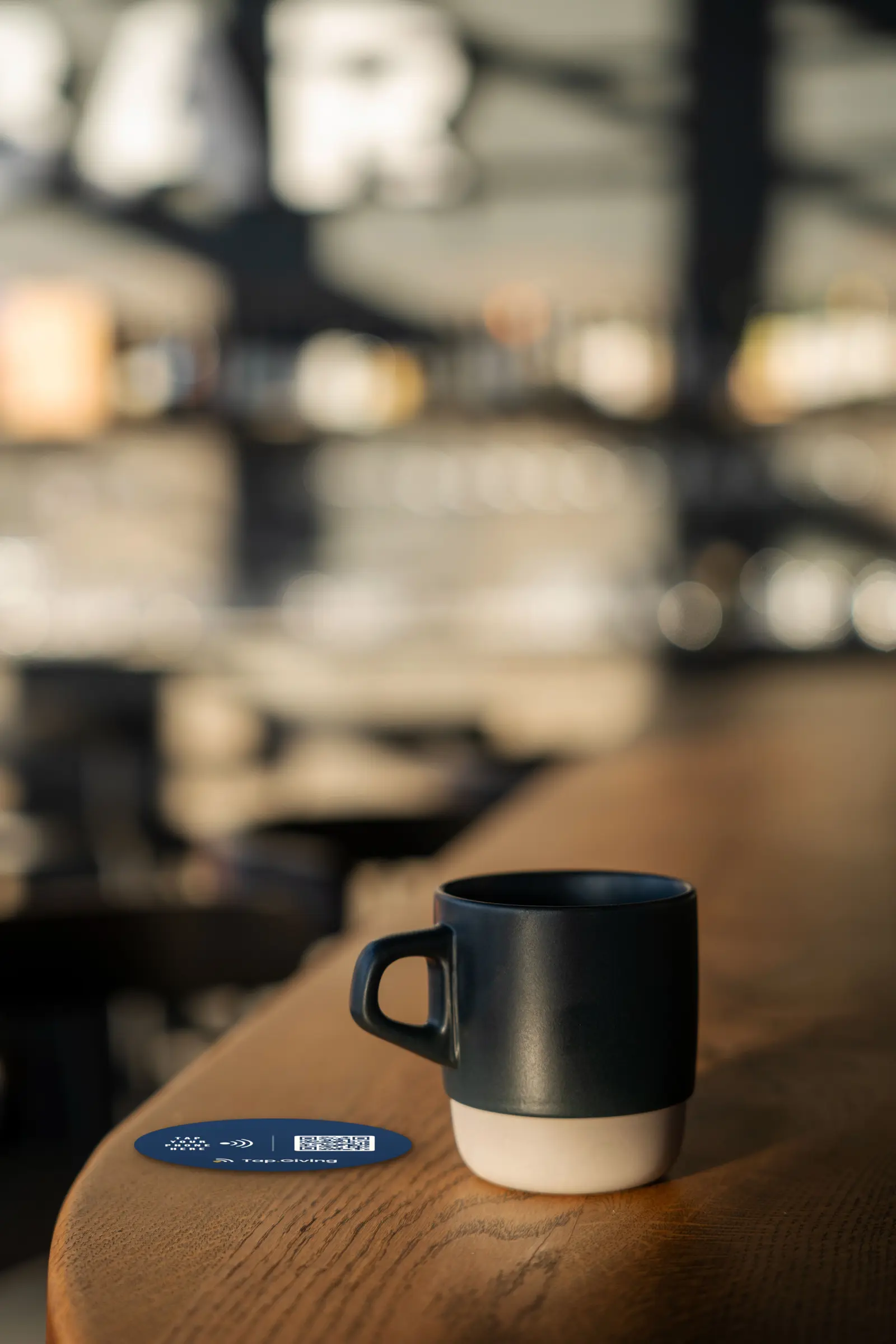
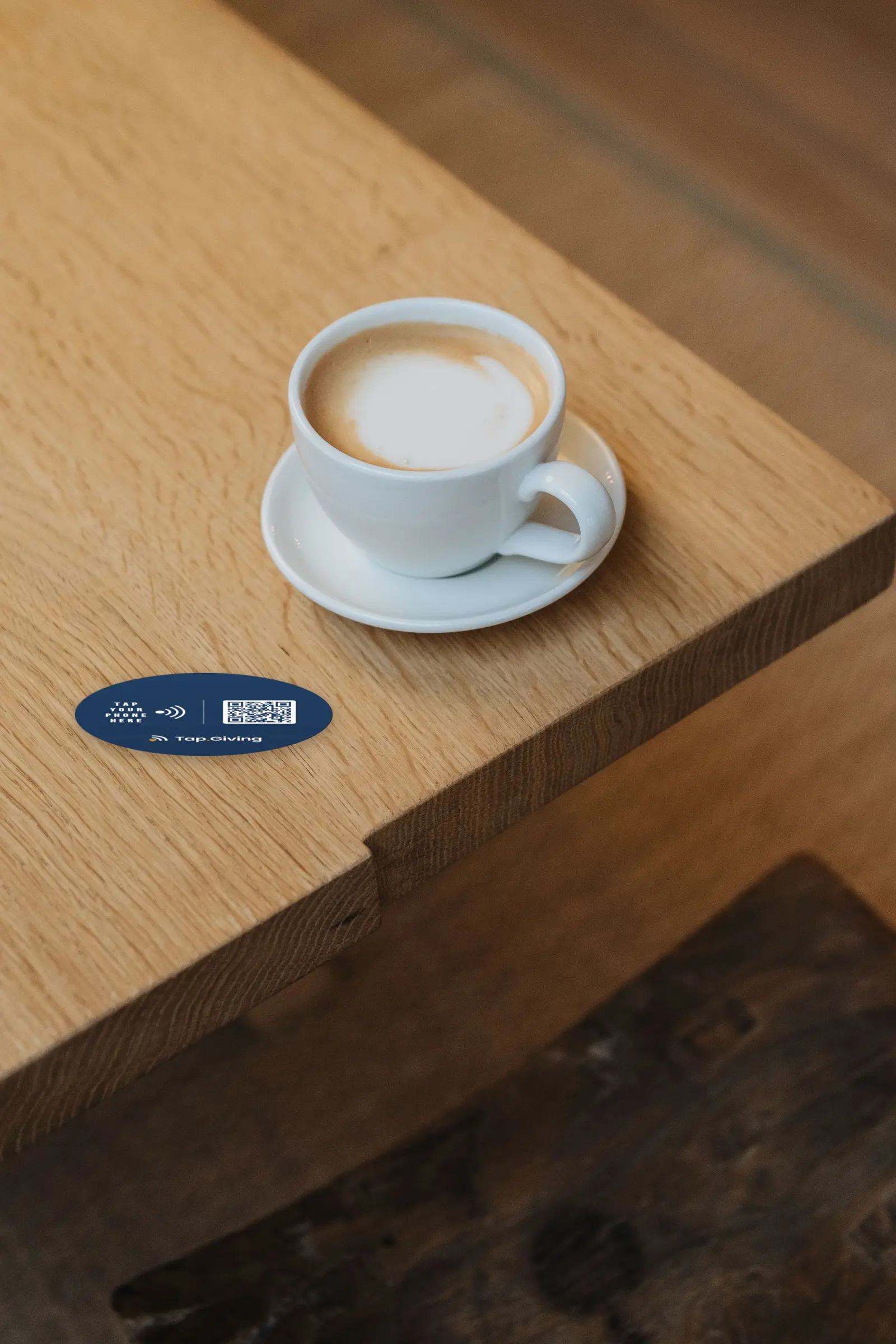
A Tap.Giving NFC disc on a wooden restaurant table beside a coffee cup, ready to open the ordering page

Tap.Giving discs are custom NFC discs that restaurants, cafes, and coffee shops mount on tables, counters, and patios. A guest holds their phone against a disc and the venue's existing ordering page opens in the browser, with no app, no account, and no fee from Tap.Giving on the order. Discs cost $5.00 each for 100 to 199, $4.00 for 200 to 399, and $3.50 for 400 or more, one time, with no monthly fees, and the owner can change where taps land at any time in the free Redirect Dashboard.

Key facts

  • One tap from the guest's table, takes seconds
  • Rigid waterproof PVC: survives spills, wiping, and patio sun
  • QR code printed on every disc as the backup path
  • Free Redirect Dashboard: change the destination anytime, instantly
  • Minimum order 100 discs, free shipping worldwide
  • 30-day money-back guarantee

How can a restaurant take orders when the server cannot get back to the table?

A tap puts your ordering page at the guest's seat, so a guest who is ready can order in seconds instead of waiting for a free hand. Discs cost $5.00 each at 100 to 199, $4.00 at 200 to 399, and $3.50 at 400 or more, with a 100-disc minimum and an estimated 2 to 3 weeks from artwork approval.

Every other way of ordering asks the guest to do something extra: download something, sign up for something, wait for someone. A tap asks for nothing extra.

Ready means ready.

A guest who has decided what they want then has to catch an eye, wait for a free hand, and wait again while the order is carried to a terminal. By the second coffee or the extra side, many guests do not bother. A disc on the table lets a guest act while they are ready: the ordering page you already run, opened from their seat, in seconds.

Nothing to download, nothing to sign up for.

Guests will not install an app to buy lunch, and they should not have to create an account before they can see a menu. A tap needs no download, no sign up, no typing a web address off a table tent, and no aiming a camera at a faded sticker. The phone in their pocket does the whole job, and the page that opens is yours.

Nobody waits for the check.

The longest wait in a restaurant is often the last one, once the meal is over: waiting for the check, for the card run, for the receipt. Where your page supports paying at the table, the disc opens that page and the guest settles up from the seat. The card terminal's schedule stops being the guest's schedule.

It survives the table.

The table is a hard place for paper. QR tents and stickers get spilled on, wiped, peeled, and bleached by patio sun, and a dead code fails silently: the guest simply does not order. A disc is rigid waterproof PVC. Spill on it, wipe it down, leave it in the sun. It works the same after a year of service as on its first day, and when the destination changes, you change it in the dashboard instead of reprinting every table.

Tap to order: three steps, none of them new for your guests

  1. 1. The guest taps their phone on the disc. The NFC chip inside hands the phone a web address.
  2. 2. Your ordering page opens in their browser. It is the page you already use, from the provider you already use: a Toast online ordering page, a Square Online page, a DoorDash Storefront page, a BentoBox page, or a plain menu.
  3. 3. They order there, the way they already order online. Tap.Giving is hardware only, never a payment processor, and takes nothing from the order.

Every iPhone since the XS (2018) taps automatically with no app; iPhone 7, 8, and X scan through the reader; Android phones from 2015 onward work. Any phone that cannot tap can scan the QR printed on the same disc.

What the disc does not do

The disc is a tap target, not an ordering system, and this page will not blur that line. A tap opens your page. The disc itself does not route orders to your kitchen, take payments, split a check, or prompt for a tip, and it does not connect to your POS. Your existing ordering page does that work, under its own arrangement with you, and an order placed through it arrives the way an order from that page always arrives. There is no menu hosting, no order tracking, and no guest data in the disc; all of that lives in your ordering page, where it already lives today.

One more plain fact about tables: each disc opens the link you set for it. If your ordering system gives you per-table links, set each disc to its table's link and the table travels with the order. If your page is one general link, orders arrive the way counter orders do, matched by name.

If what you need is a full ordering platform, one that sends orders to the kitchen printer with the table number attached and puts the real open check on the phone, buy that platform, with open eyes about its monthly and per-order costs (section 10). If you already have an ordering page that works, the disc is the durable way to put it on the table.

Pay at table, where your page supports it

Where your ordering page supports paying at the table, the guest settles from the seat instead of waiting for the check. Where it does not, the tap still opens the ordering page you already run.

Where do restaurants put the discs?

Restaurant discs go on tables, on the counter, on the patio, and along the bar. The minimum is 100 discs, pricing starts at $5.00 each, and typical turnaround is about 2 to 3 weeks from artwork approval.

  • Tables (the main placement). One disc on each table, where a guest's phone naturally lands. Adhesive backing is standard on every disc; for fixed wooden tables, choose the pre-drilled screw-hole option at order time. Every disc carries its own destination, so a per-table ordering link stays per table.
  • The counter and the line. Table stands (the freestanding version of the same disc, from $7) on the counter of a cafe or coffee shop, so a guest in line can open the ordering page and order before they reach the register. See table stands.
  • The patio. Discs on patio tables, rails, and picnic tables, where the ground is uneven, the sun is direct, and servers cover the most ground. This is where the waterproof build earns its keep.
  • The bar and communal tables. One disc per seat along the bar rail or a shared table, pointed at the drinks menu or the ordering page.
  • Food halls and shared rooms. Stands on shared tables, each pointed at a different vendor's own ordering page. One order of discs covers many kitchens at once.

Most venues order one disc per table, plus stands for the counter and spares for the drawer.

Order from the table, the counter, or the patio

Wherever a guest sits or stands in the room, the disc on that surface opens the same ordering page, with the destination set per disc in the free Redirect Dashboard.

A Tap.Giving NFC disc on a cafe counter next to a cappuccino

Built for every kind of room

Full-service restaurants and multi-location groups. Cafes and coffee shops with a counter line. Food halls, breweries, and taprooms. Any room where guests sit down, the ordering page already exists, and nobody wants to wait to use it. If your guests have phones and your venue has an ordering page, the discs fit.

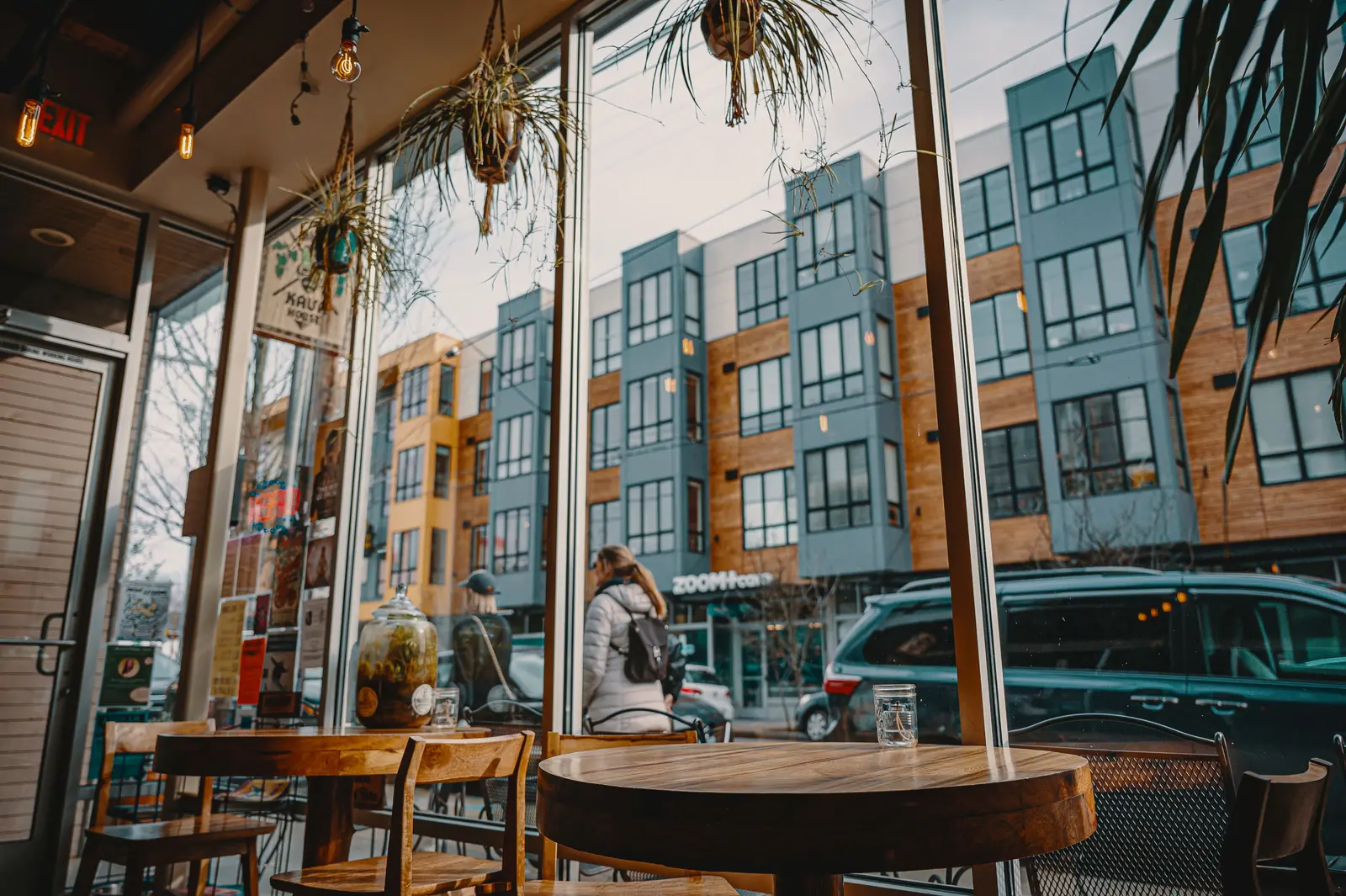
Inside a cafe: wooden tables and chairs by tall windows

Point every disc somewhere new, whenever the menu turns

Every disc is encoded with a Tap.Giving redirect address, and the destination lives in the free Redirect Dashboard, not on the disc. Change it in seconds and every disc follows instantly, with no reprinting and no cap on changes:

  • Lunch and dinner service: your ordering page
  • Happy hour: the drinks and specials menu
  • Saturday and Sunday: the brunch menu
  • After close: your Google review page
  • Catering season: the catering and large-order page
  • The day you change ordering providers: repoint every disc, nothing to reprint

Each disc also carries its own destination. Set table 12's disc to table 12's ordering link, where your system offers per-table links, and the table travels with the order.

The dashboard is free on every order, at any quantity, permanently.

QR code table ordering, printed on every disc

Every disc carries a printed QR code to the same page as its backup path, so a phone that cannot tap can still order from the table. There is no monthly fee on the tap or the scan.

What do they cost, and why is there no monthly fee?

Discs cost $5.00 each for 100 to 199, $4.00 for 200 to 399, and $3.50 for 400 or more; the minimum order is 100, and turnaround is about 2 to 3 weeks from artwork approval as an estimate.

Discs are printed hardware, bought once, so there is nothing to subscribe to.

What renting the table costs instead

  • Square's table ordering runs on its Square Online Plus plan, $49 a month per location, before processing on every order.
  • BentoBox charges $19 a month per location for its QR Order & Pay module, and charges your guest $0.99 per order (waived on later orders from the same phone).
  • Toast is rolling out a $0.99 fee charged to guests on online orders of $10 or more.
  • me&u's venue fee can run to 4.5% of the order value.
  • Sunday, a pay-at-table platform, is facing a proposed US class action, filed in January 2026, alleging a mandatory platform fee added at the final checkout step.

A Tap.Giving disc adds none of this. No monthly fee, no percentage of the order, and no fee charged to your guest, because there is no Tap.Giving checkout for a fee to attach to. Your ordering provider's own charges stay whatever they already are. For the fuller case, read how table ordering works without an app.

  • 100 to 199 discs: $5.00 each
  • 200 to 399 discs: $4.00 each
  • 400 or more: $3.50 each

Minimum order 100. No setup fees, no monthly fees, no per-order fees. Table stands: $7 each for the 70 x 100 mm stand, $9 each for the 120 x 140 mm stand, minimum 100; details on the products page. Free design proof of your restaurant's disc before production. Free shipping worldwide. Typical turnaround is about 2 to 3 weeks from artwork approval (an estimate, never a promise). 30-day money-back guarantee.

The minimum, in the open.

An order starts at 100 discs because every order is custom printed with your design. For a single small cafe with ten tables, that is more discs than tables, and this page will not pretend otherwise. One hundred discs fits a multi-table dining room and its patio, a food hall, or a group ordering once for several locations, with stands for the counter and spares in the drawer. Discs do not expire, so a spare bought today is the replacement for a lost disc years from now. And one order is a single payment; no subscription follows it home. If you run one small room and need a dozen table targets, the free printable codes inside the ordering platform you already use are the honest fit, and we would rather tell you that than sell you inventory you cannot use.

Contactless ordering for restaurants without a monthly fee

Contactless ordering for restaurants gives guests an in-room option they can use without waiting for a server's free hand.
Frequently asked questions

Do guests need an app to tap?

No. Modern phones read the disc automatically and offer to open your ordering page. There is nothing to download and no account to create.

What if a guest's phone cannot tap?

Every disc also carries a printed QR code to the same page, so any phone with a camera has a path. The tap is the fast path, the QR is the backup.

Does Tap.Giving take a cut of our orders?

No. Tap.Giving sells hardware only and is never in the payment path. Orders and payments happen on the ordering page you already use, under your existing arrangement with that provider.

Is the disc an ordering system?

No. The disc is a tap target, not an ordering system. It does not route orders to a kitchen, take payments, split a check, or prompt for a tip. Your ordering page does that work. If you need a full ordering platform, buy one. If you already have a page that works, the disc is the durable way to put it on the table.

Which ordering pages can a disc open?

Any page with a web address. Owners point discs at Toast online ordering, Square Online, DoorDash Storefront, BentoBox, a menu page, or a review page. The disc does not care which provider the page comes from, and you can change the address in the free Redirect Dashboard.

Can each table have its own link?

Yes. Every disc carries its own destination, set per disc in the dashboard. If your ordering system gives you per-table links, set each table's disc to that table's link and the table travels with the order. If your page is one general link, every disc can open that instead.

Will the discs survive spills and daily cleaning?

Yes. The disc is rigid waterproof PVC, built to be wiped down and spilled on, unlike paper tents and stickers that peel and fade. Adhesive backing is standard; for fixed wooden tables you can choose pre-drilled screw holes when you order. Screws are not included.

Can we change where the discs point?

Yes, anytime. The Redirect Dashboard is free with every order, changes take effect instantly on every disc, and there is no limit on how often you change it. Point every disc at the brunch menu on Saturday and back to the regular ordering page on Monday.

How many discs does a restaurant need?

Most venues order one per table, plus the counter, the patio, and spares. The minimum order is 100 discs, because every order is custom printed with your design. One hundred fits a multi-table dining room, a food hall, or a group with more than one location; discs do not expire, so spares are replacements for years.

How long until our discs arrive?

Typically about 2 to 3 weeks from artwork approval. That is an estimate, not a guaranteed date.

What do the discs look like?

Your design, printed edge to edge on a 100 mm (4 inch) round, matte PVC disc, 0.85 mm thick, with a printed QR code and a free proof to approve before anything is printed.

See your restaurant's disc in about a minute

Start with your logo and colors and we will show you a proof of your disc before you commit to anything.

Start your free proof