Mobile Giving for Churches: 5 Methods Compared by Friction
Church members give from a phone five ways: a giving app, a mobile giving page, text-to-give, a QR code, or a tap-to-give plate. Every one opens the same giving page your church already runs, so the choice is not which platform, it is which method puts the fewest steps between the impulse to give and the finished gift. For a gift made in the room during the offering, the lowest-friction method finishes the most gifts, and this guide ranks all five so you can lead with the right one.
See your church's plate and price in 30 seconds
Design it yourself on the next page. From $3.50 per plate, free shipping, no monthly fees.
What Is Mobile Giving for a Church?
Mobile giving is a donation a member makes with a phone instead of cash or a check. That is the whole definition. What trips people up is that "mobile giving" gets used for five different things that feel similar but behave very differently in practice.
Here is the part that matters for your decision: none of these methods is a payment processor. They are all ways to reach the same giving page, and that page runs on whatever platform your church already chose, such as Tithely, Pushpay, Subsplash, Givelify, Donorbox, or Planning Center Giving. The platform still handles the card, the receipt, the donor record, and the deposit to your bank.
So the choice is not really "which platform." It is "how does a member get from wanting to give to a finished gift, in the fewest steps." A guide who is standing in your lobby will give if it takes eight seconds and walk past if it takes eight steps. For the fuller picture of the tools involved, our church giving technology guide maps how the pieces fit together.
The Five Ways Churches Enable Mobile Giving
Every mobile giving setup is one of these five, or a combination. Each solves a real problem, and each has a place. The friction column is what decides how many people finish a gift in the moment.
| Method | How the giver reaches the page | Friction | Best for |
|---|---|---|---|
| Giving app | Download, create an account, log in | High | Committed regular givers |
| Mobile giving page | Type or click a link in a browser | Medium | Website and email links |
| Text-to-give | Text a keyword to a number, tap the reply link | Medium | Livestream and remote audiences |
| QR code | Open the camera, line up the code, tap the banner | Medium | Bulletins and screens |
| Tap-to-give plate | Hold the phone near the plate, tap the banner | Lowest | The offering, in the room |
A giving app is the most powerful and the highest friction. For a member who gives every week, an app is genuinely great: saved payment method, recurring schedules, giving history in one place. For a first-time guest, "download our app" is where the gift dies. Almost nobody installs an app to give once.
A mobile-friendly giving page is the foundation everything else points at. If your giving page is slow, asks for an account before it will take a gift, or looks broken on a phone, fix that before anything else, because every method below just opens that page. We wrote a short playbook on the most common fixes in how to increase digital donations without an app.
Text-to-give shines where there is nothing to tap. When people are watching a livestream at home or spread across a large room, a short keyword on the screen reaches them all. The trade is that the first-ever gift takes an extra round trip: text the keyword, wait for the reply, tap the link, then give.
QR codes and tap plates do the same job, reaching the giving page in the room, with different amounts of fumbling. A QR code needs the giver to open the camera app and hold it steady at the right distance, which is easy for some and awkward for others. A tap plate skips the camera entirely. We compared the two head to head in text-to-give versus tap-to-give.
Which Method Has the Least Friction?
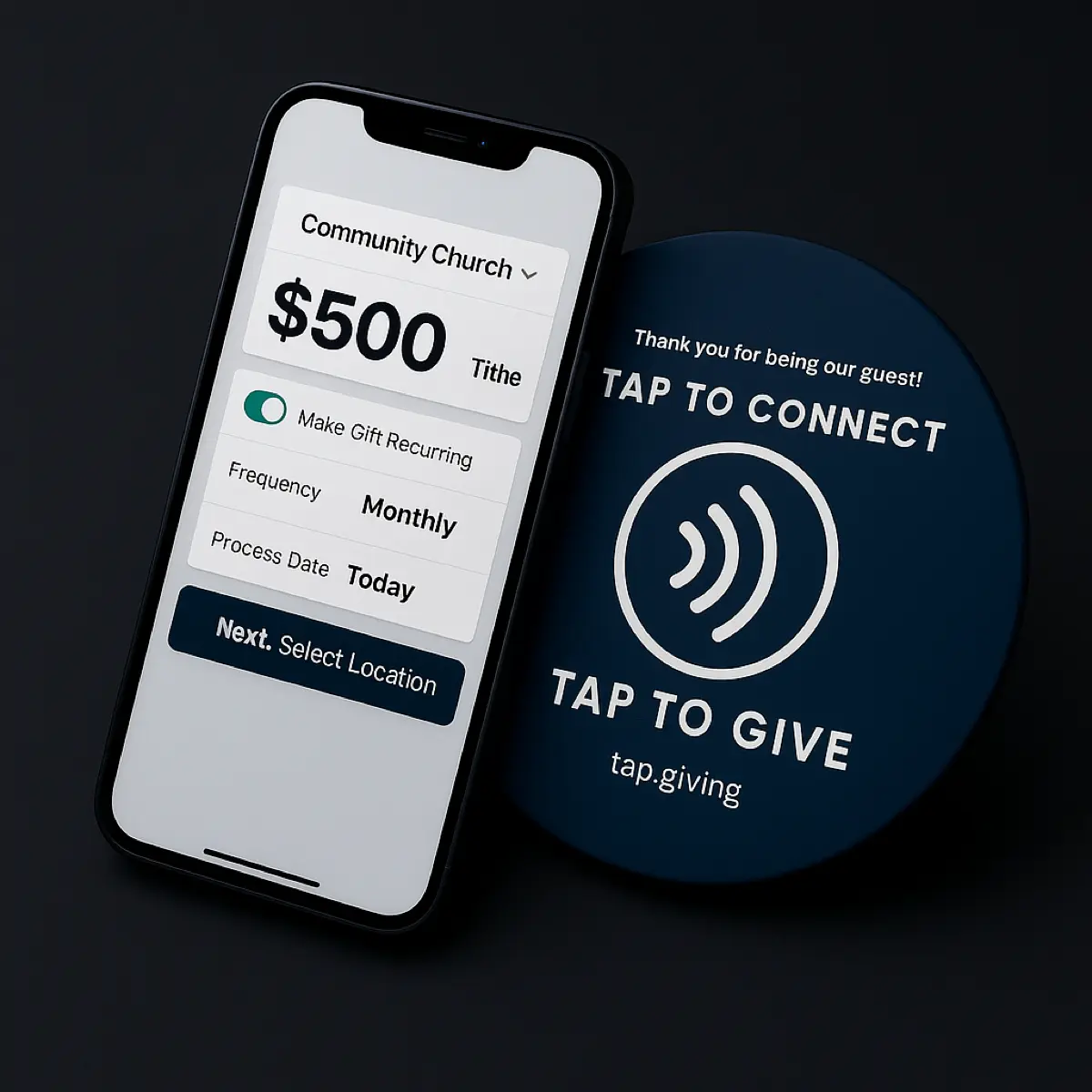
For a gift made in the room during the offering, a tap-to-give plate has the least friction of any mobile method. The member holds a phone near the plate, and the church's giving page opens in the browser. No app to download, no number to text, no code to line up in a camera, no URL to type.
Why fewer steps means more gifts
Every extra step in a giving flow is a place a person can stop. A guest who has to find the camera, or remember a keyword, or hunt for a link, has three chances to give up before the giving page even loads. Tapping a plate is one motion, the same one they already use to pay at a coffee shop, so the giving page opens before hesitation can set in.
That does not make the other methods wrong. It makes them different tools for different moments. Text-to-give is the right answer for a livestream. A QR code on the bulletin reaches people at home. An app is the right home for a committed weekly giver. The honest recommendation is to lead with the lowest-friction option for the moment you care about most, and for most churches the moment that matters is the offering, in the room.
Match the method to your moment
- The offering, in the room: lead with a tap-to-give plate, with a QR code printed on it as a fallback for older phones.
- A livestream or a room too big to walk: lead with text-to-give, because there is nothing physical to tap.
- Your website and weekly emails: lead with one clear mobile giving link people can click from anywhere.
- Your committed weekly givers: point them to the app, where a saved card and a recurring schedule live.
That is the gap tap-to-give plates fill. I am a pastor, and I built Tap.Giving because our own church needed a way to give in the moment without adding another monthly bill or asking guests to install anything. If you want the full walkthrough of how a tap works, phone by phone, see how tap-to-give works for churches.
How Much Does Mobile Giving Cost a Church?
Mobile giving has two kinds of cost, and keeping them separate is how you avoid an unpleasant surprise on the annual budget.
Recurring cost (from your platform)
- A processing fee on every gift, typically about 2.9% plus $0.30
- Some giving apps and platforms add a monthly plan on top
- This is what your giving platform already charges, whichever method the giver used
Hardware cost (in the room)
- QR codes: free to print
- Tap plates: a one-time purchase, then nothing
- Tap.Giving plates: $5.00 (100-199), $4.00 (200-399), $3.50 (400+), free shipping
The processing fee is unavoidable and roughly the same everywhere, because it goes to the card networks, not the church platform. What varies is the layer on top. Some giving apps and hardware add a required monthly plan; a few tap-tag products only work if you keep paying a subscription. We sell the plates, and you keep the giving platform you already chose. There is no monthly fee from us and no transaction fee from us, ever.
A church of 200 seats ordering 200 plates pays $800 once. That is the entire hardware spend: no second year, no renewal. Compared with hardware that carries a plan, the difference compounds every year the plates keep working.
For the full quantity table and a side-by-side of the tap products that do carry a subscription, see our pricing page, and for a wider look at platforms see the best online giving platforms for churches.
How to Set Up Mobile Giving in Five Steps
You do not need to switch platforms to add mobile giving. You need a good giving page and a low-friction way to reach it. Here is the order that works.
1. Test your giving page on a phone
Open your giving URL on your own phone as a guest, not logged in. It should load fast, look right, and let someone give without creating an account. If it fails any of those, fix the page first. Every method below just opens this page.
2. Pick the moment you care about most
In the room during the offering, at home on a livestream, or on the website all week. Your primary moment decides your primary method: tap plates for the room, text-to-give for the livestream, a clear link for the website.
3. Put the lowest-friction option in that moment
For the offering, that is a tap plate on the pew back or chair, with a QR code printed on it as a fallback for older phones. One motion, no app.
4. Announce and demonstrate it once from the stage
A 30-second demo on a Sunday erases the hesitation for good. Show one tap, say one sentence about what happens, and let people watch a leader do it. Our guide to announcing digital giving from the stage has scripts you can read word for word.
5. Track new givers and thank them fast
Use your platform's reports to spot first-time givers, then thank them within the week. The first gift is the one you most want to turn into a second.
Finding Your Mobile Giving URL on Common Platforms
Whatever reaches the giving page (a link, a QR code, or a tap plate) needs one thing: your mobile-friendly giving URL. Here is where it lives on the platforms churches ask about most.
| Platform | Where the giving URL lives |
|---|---|
| Tithely | Your public giving page (tithe.ly/give?c=YOUR_ID) |
| Pushpay | Your branded giving link (pushpay.com/g/YOUR_CHURCH) |
| Givelify | Your org page (givelify.com/donate/YOUR_CHURCH) |
| Planning Center Giving | Your Church Center URL (YOUR_CHURCH.churchcenter.com/giving) |
| Subsplash | The web giving link in your Subsplash dashboard |
| Donorbox | Your hosted campaign URL (donorbox.org/YOUR_CAMPAIGN) |
If your platform is not listed but you have a giving page that works on a phone, mobile giving will work with it. The link does not care which platform sits behind it. For platform-specific setup walkthroughs, see our Givelify tap-to-give setup, Planning Center tap-to-give setup, or OnlineGiving.org tap-to-give setup.
Add the lowest-friction mobile giving to your church
One-time hardware cost. No monthly fees. Works with the giving platform you already use. Design your plate and see the price in about 30 seconds.
Start a quote to get 10% off for 7 days
FAQ: Common Questions
What is mobile giving for a church?
Mobile giving is any way a member donates using a phone: a giving app, a mobile-friendly giving page, text-to-give, a QR code, or a tap-to-give plate. In every case the money runs through your church's giving platform and processor, not through the phone maker. The differences are about how the giver reaches the giving page and how much friction stands in the way.
Which mobile giving method has the least friction?
For giving in the room during a service, a tap-to-give plate has the least friction: the member holds a phone near the plate and the giving page opens, with no app to download, no number to text, and no code to line up in a camera. For remote and livestream audiences, text-to-give and a shared giving link work better because there is nothing physical to tap.
How much does mobile giving cost a church?
The recurring cost is your giving platform's processing fee, typically about 2.9% plus $0.30 per gift, plus a monthly plan on some platforms. The hardware you place in the room is a separate, usually one-time cost. Tap.Giving plates are $3.50 to $5.00 each, one time, with free shipping and no monthly fees, and they open the giving page you already use.
Do members need to download an app to give from their phone?
Not for most methods. A mobile-friendly giving page, text-to-give, a QR code, and a tap-to-give plate all open in the phone's own web browser with nothing to install. Only app-based giving asks the member to download something first, which is the step where most first-time givers drop out.
Related Articles
Text-to-Give vs Tap-to-Give for Churches
The two in-service giving methods head to head: friction, cost, and when each one wins.
GuideHow Tap to Give Works for Churches
A plain-English walkthrough of what the giver does, what is inside the plate, and what it costs.
StrategyIncrease Digital Donations Without an App
The most common fixes for a giving page that is quietly losing gifts on mobile.